

~/.octop/.
Quick Start
Install Octop and be chatting in under five minutes
Docker Setup
Run Octop in a container for production deployments
Core Concepts
Understand agents, channels, connectors, and personas
API Reference
Automate everything through the HTTP and WebSocket API
What you can do with Octop
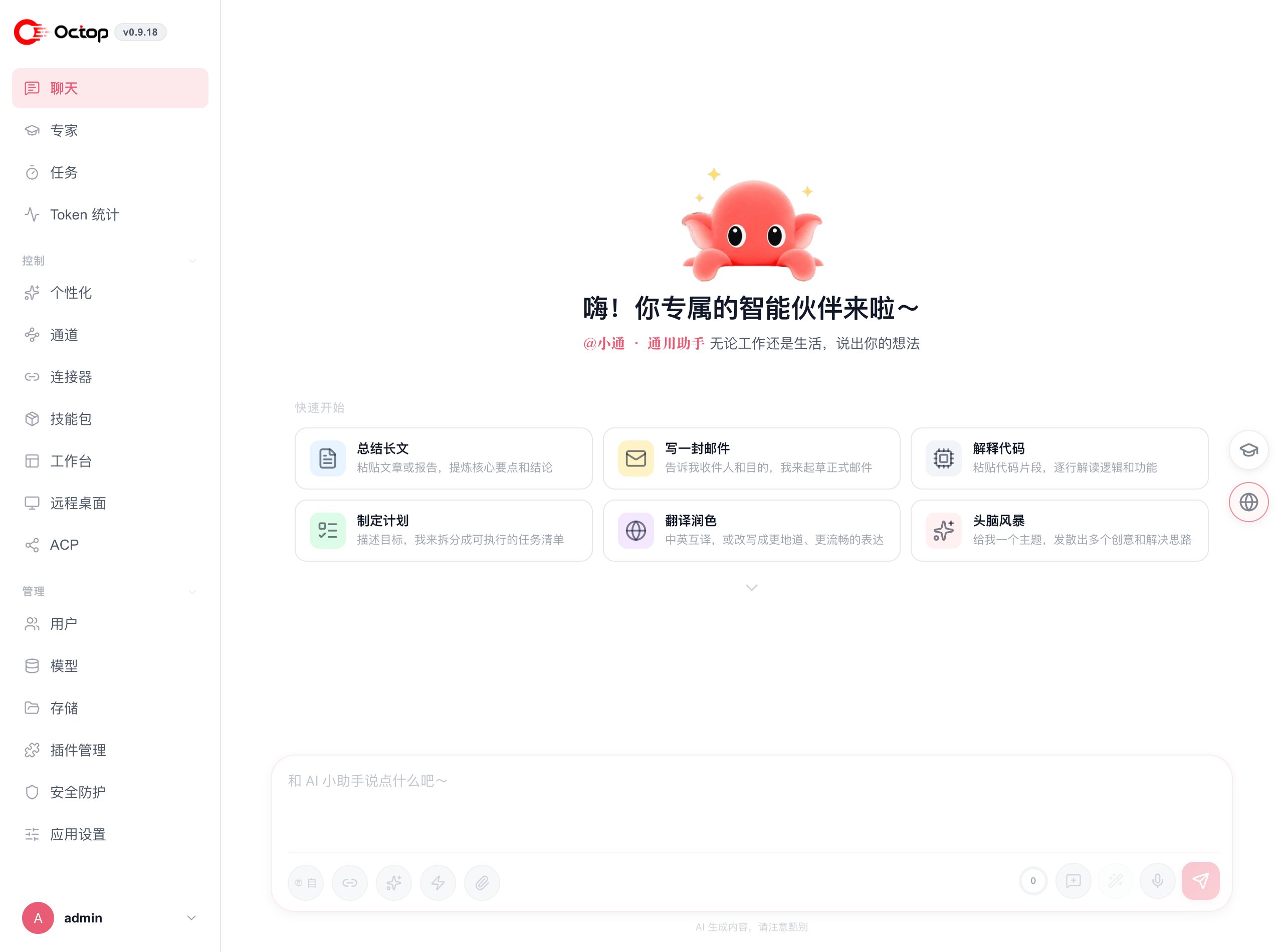
- Chat with specialized agents — create multiple agents per user, each with its own LLM provider, skill set, and MBTI persona
- Connect your messaging apps — route conversations from Feishu, WeCom, DingTalk, QQ, WeChat, Telegram, and more into your agents
- Schedule automated tasks — set cron jobs that prompt your agents on a schedule
- Ground answers in your files — upload documents to a knowledge base and see cited sources in chat
- Delegate to coding agents — use ACP to connect OpenCode, CodeBuddy, Claude Code, Codex, Kimi Code, Cursor CLI, or Pi
- Control remote environments — use the built-in browser, terminal, remote desktop, and experimental remote phone
- Stay private — no cloud dependency; all data lives on your machine
- Choose your layout — pick Classic or Minimal, plus a light or dark theme that this browser remembers
How Octop is organized
Agents & Personas
Each agent has its own workspace, providers, and personality
Channels
Connect Feishu, WeCom, DingTalk, Telegram, and more
Connectors
Built-in app connectors and custom MCP servers
Knowledge Bases
Index your own files and retrieve cited context in chat
CLI Reference
Full command reference for power users